
Student testing flow
Sign in with demo_student / GdtDemo2026!. This account already has a schedule, restaurant preferences, an organization membership, Member Card, and events. Follow the steps in order and report anything that differs from the expected result.
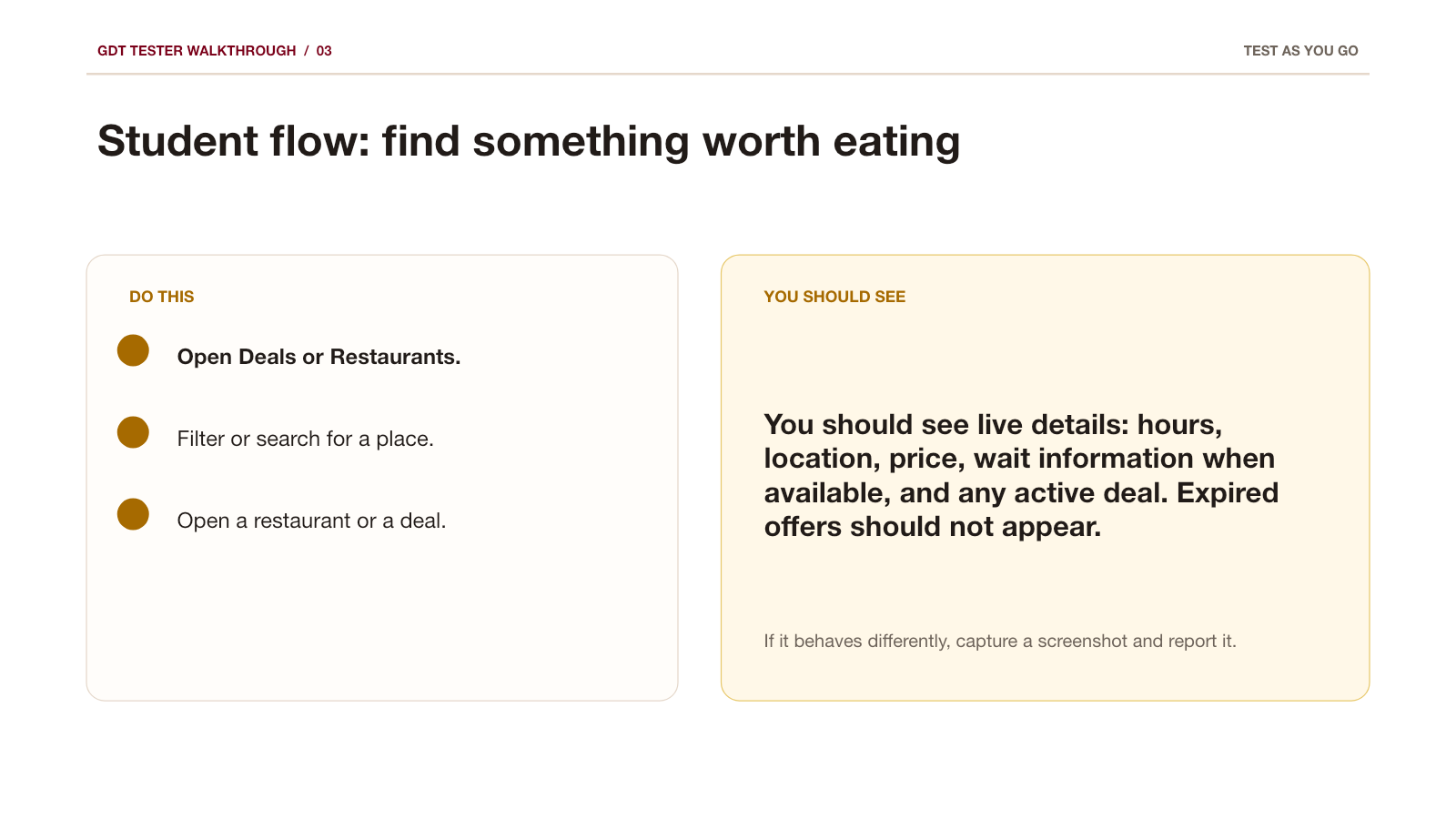
1. Find a deal
- Open Deals, use a filter, and open one offer.
- Check the restaurant, terms, expiry, map, and Member Card requirement; vote once.
- Open Grocery prices, then return to Deals.
Expected: the list responds to filters; the offer explains exactly who can use it and where.
2. Explore and tune taste
- Open Explore → Restaurants; search for a restaurant and open it.
- Check hours, map, wait, active deals, and reviews.
- In the profile menu, open My Restaurants and set one restaurant to preferred, neutral, or blocked.
Expected: the preference saves and blocked choices do not appear in tailored suggestions.
3. Import or edit your schedule
- Open Schedule and choose Import from MyU.
- The import tutorial shows this path: MyU → Academics → Add Classes to Google Calendar → Download .ics. The download step requires Chrome.
- Return to GDT, upload the
.icsfile, or choose Edit schedule to add a class and building manually.
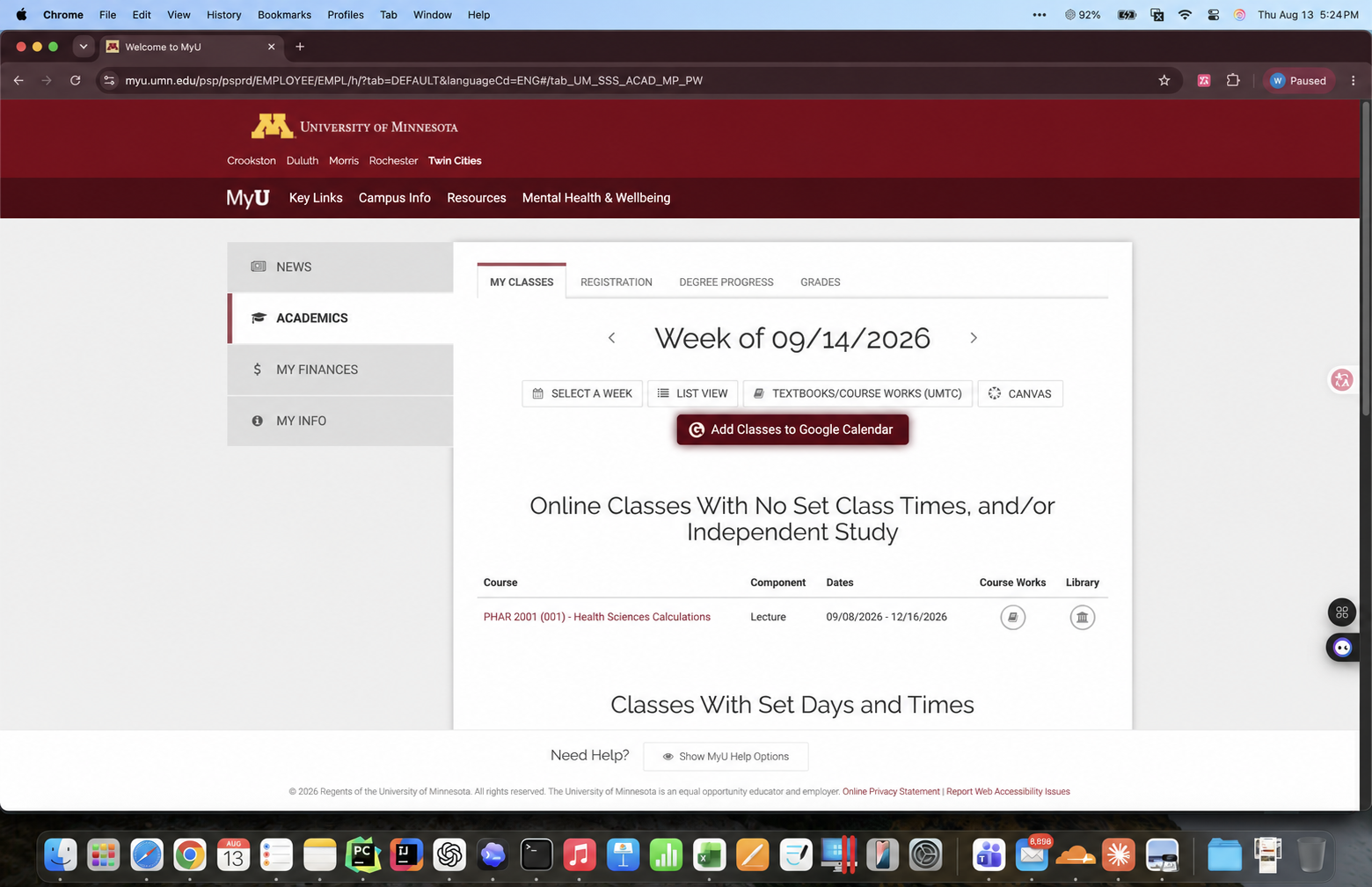
Expected: the weekly schedule updates; a verified building improves walking estimates. Your schedule stays private.
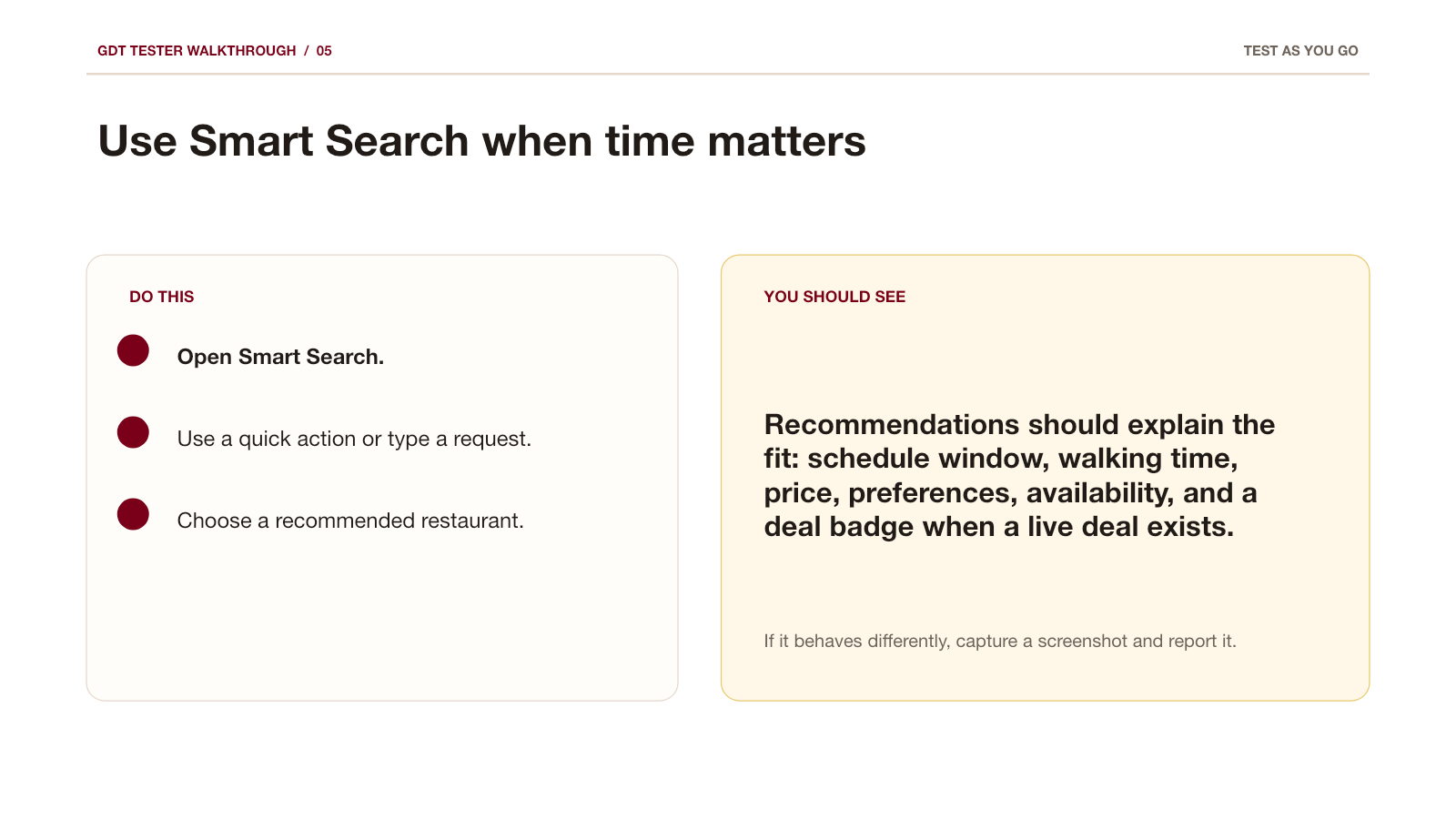
4. Ask GDT for a meal
- Open Search and ask:
cheap lunch near Keller in 30 minutes. - Read the reason for the recommendation, then try a refinement such as Cheaper, Closer, Faster, or Different cuisine.
- Open AI Plan, choose a schedule gap or enter free minutes, then generate one plan.
Expected: recommendations explain time, distance, open hours, preferences, and any active deal.
5. Join and attend
- Open Organizations, open an organization, and join/follow if available.
- Open Wallet to check the Member Card and QR code.
- Open Events, RSVP, then change the RSVP once.
Expected: the RSVP state updates, and the Member Card can unlock member-only offers or event check-in.
6. Finish the test
- Send one issue through
/feedback/: say what you did, what happened, and what you expected. - Use
/feedback/rate/to score the features you used; mark the rest Not used.
Quick links
/deals/ · /restaurants/ · /restaurants/mine/ · /accounts/schedule/ · /smart-search/ · /planner/ · /accounts/organizations/ · /accounts/member-attendance/ · /events/
Finished the guide? Rating each function is the single most useful thing you can send us.
Rate every function Report one problem